Open Eyes in Photo Online Free: Best Tools & Step‑by‑Step Guide
Best ways toopen eyes in photo online freewith top tools. Fix closed eyes easily in your photos without any software. Step-by-step guide included.
Accidentally closed eyes can ruin a perfect photo, but you don’t need advanced software to fix it. With the right tools, you can open eyes in photo online free quickly and easily.
In this guide, we’ve handpicked seven of the best online tools that let you restore open eyes in your pictures effortlessly. Follow our step-by-step instructions to get flawless photos in minutes.

What Does It Mean to Open Eyes in a Photo?
An open eyes photo means a picture where the person’s eyes are fully visible and naturally looking at the camera. Sometimes, people blink or close their eyes while taking photos, which can ruin an otherwise perfect shot. Opening eyes in a photo digitally fixes this issue.
Modern AI tools can recreate the eyes realistically, matching the original lighting, facial expressions, and angle.
7 Best Tools to Open Eyes in Photo Online Free
1. PixPretty
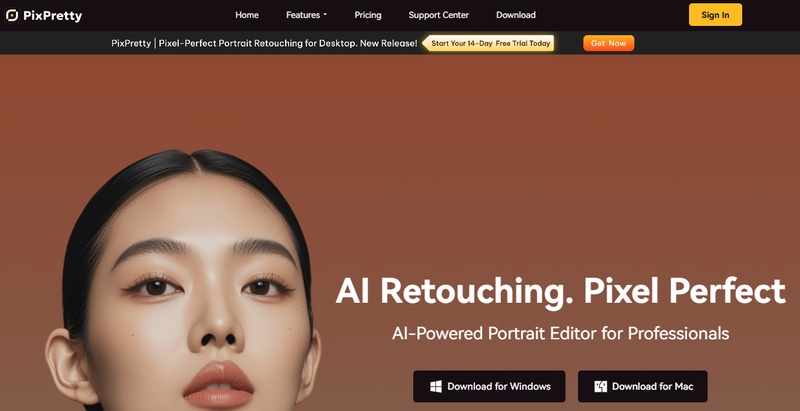
PixPretty is a professional AI-powered portrait editor designed to deliver precise, natural, and high-quality results. It’s perfect for opening eyes in photos while enhancing overall portrait quality. With intelligent AI algorithms, PixPretty ensures that edits like eye opening, skin smoothing, and color adjustments look seamless and realistic.
Key Features
-
AI-powered presets for portrait photography save time while delivering professional results.
-
AI-driven tools enhance faces naturally, including fixing closed eyes.
-
Curves, exposure, and filters help achieve perfect color balance.
-
One-Click Skin Smoothing & Face Reshaping enhance portraits with minimal effort.
-
Body Sculpting adjust proportions naturally for professional shots.
-
Vintage Film, Morning Glow, Misty Forest, Modern City, powered by YanYu’s image synthesis algorithm.
-
Edit multiple photos at once, saving time for photographers and creators.
2. Remini
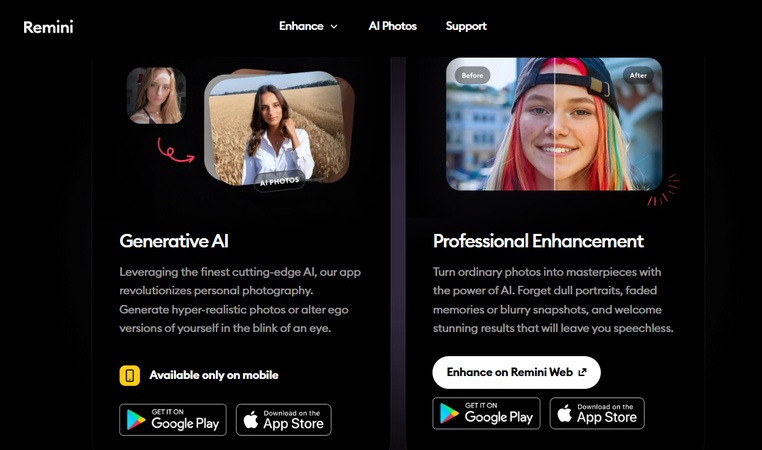
Remini uses AI reconstruction to rebuild facial details, including closed or blinking eyes. It works especially well on old, blurry, or low-quality photos where eye details are missing. The tool enhances clarity first, then corrects facial features for a clean final look.
Key Features:
AI facial reconstruction for realistic eyes
Works well on old and damaged photos
Enhances sharpness and facial details
Available on web and mobile devices
Free version with basic editing options
3. Fotor
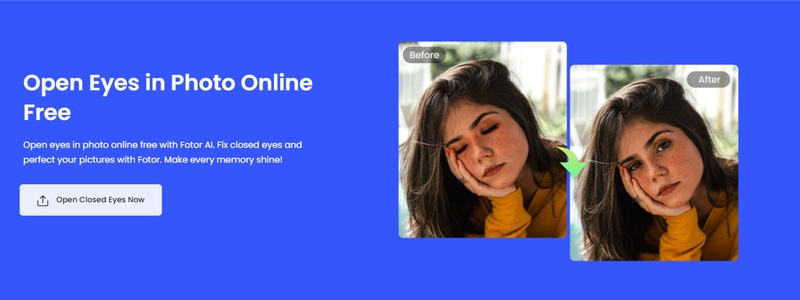
Fotor is a simple online editor that uses AI to enhance portraits. With its AI tools, users can open eyes in a photo online free using AI while keeping skin texture and lighting balanced. It’s best for quick edits and users with no editing experience.
Key Features:
AI-based eye opening and portrait retouching
One-click enhancements for beginners
Color correction and lighting adjustment
Large collection of filters and effects
Works fully online with no installation
4. Adobe Express
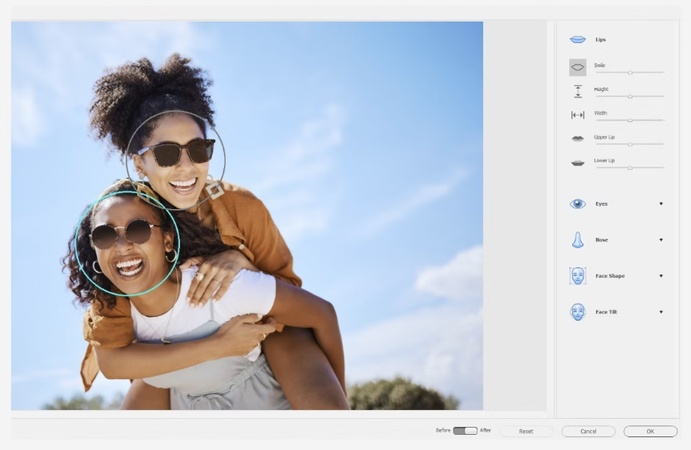
Adobe Express offers beginner-friendly editing tools that show how to open eyes in a photo online free using basic facial adjustments. While it’s not a full retouching suite, it’s helpful for quick fixes and light portrait improvements.
Key Features:
Browser-based editing tools
Facial enhancement and retouching options
Exposure, contrast, and color controls
Free version with basic editing access
Trusted platform with clean UI
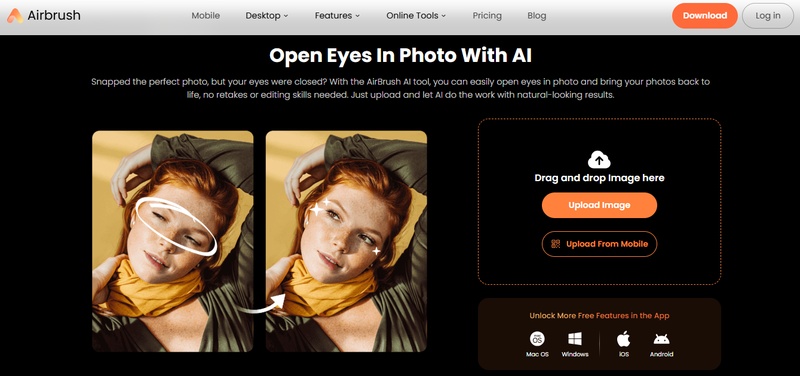
5. Airbrush
Airbrush Photo AI Editor is designed for users who prefer mobile editing. It lets you open eyes in a photo using a free app by detecting facial features automatically and adjusting them naturally, making it useful for selfies and casual photos.
Key Features:
AI-generated eye opening
Facial feature enhancement
Skin smoothing and detail refinement
Supports common image formats
Simple workflow with minimal steps
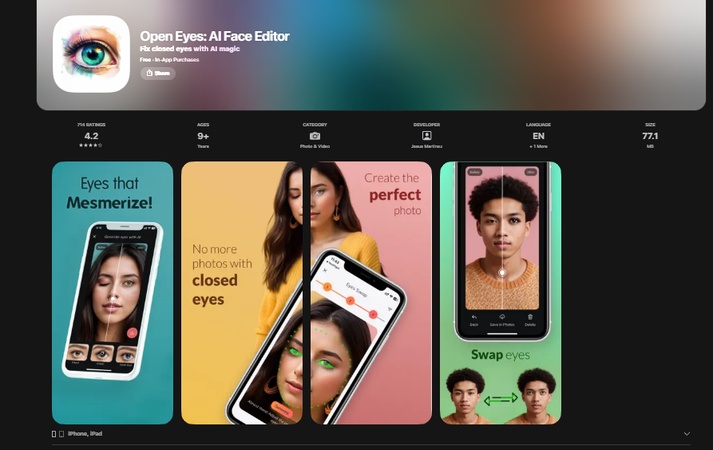
6. OpenEyes App
OpenEyes App is built for iPhone users who want fast eye corrections directly on mobile. It’s useful for selfies, group photos, and quick social media edits.
Key Features:
Designed for iOS devices
AI eye-opening for portraits
Simple tap-based editing
Fast processing with natural results
Free version with optional upgrades
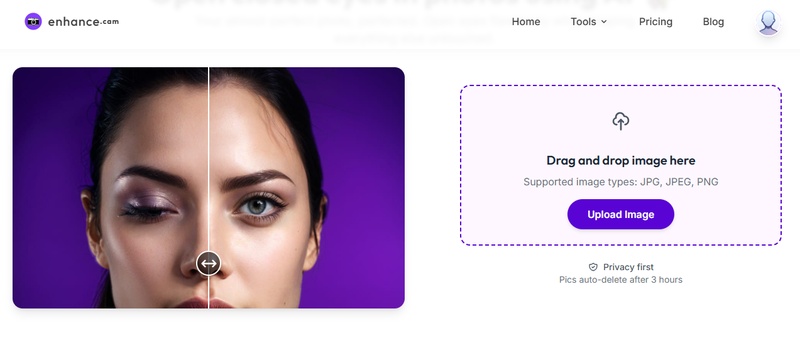
7. Enhance.cam
Enhanced.cam is a lightweight web tool that helps users open closed eyes in photos online free in just a few seconds. You upload an image, and the AI fixes the eyes automatically, making it perfect for quick, no-download edits.
Key Features:
Upload and edit directly online
AI detects and opens closed eyes
No account required
Supports JPG and PNG files
Fast processing with realistic output
Step‑by‑Step: How to Edit Open Eyes in a Photo Naturally
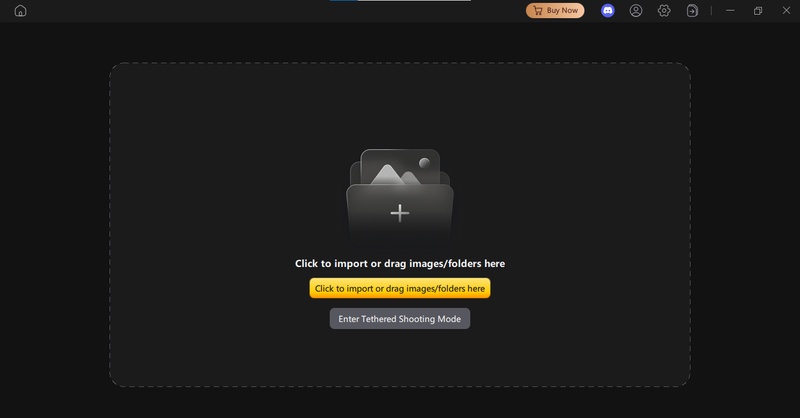
Step 1: Open PixPretty and upload your photo
Go to the PixPretty software, create a new project, and upload the photo you want to edit. Make sure the face is clear for best results.
Step 2: Remove facial blemishes
Click on Facial Blemish Removal and adjust the frequency to clean up skin imperfections. Keep the setting light so the face still looks natural.
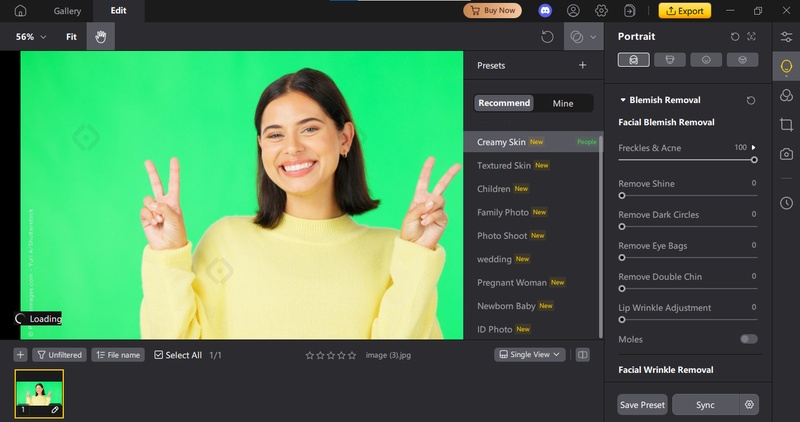
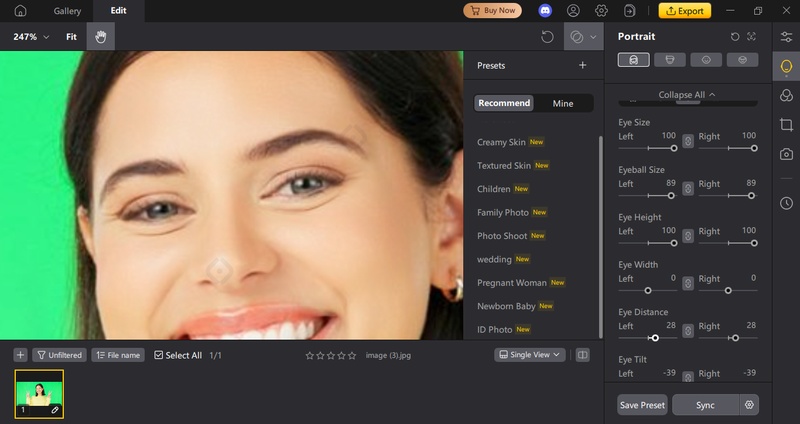
Step 3: Adjust the eyes naturally
Open Facial Reshaping and go to the Eyes section. Here, you can fine-tune eye size, eyeball size, eyelid shape, and eye position. Make small adjustments until the eyes look balanced and realistic.
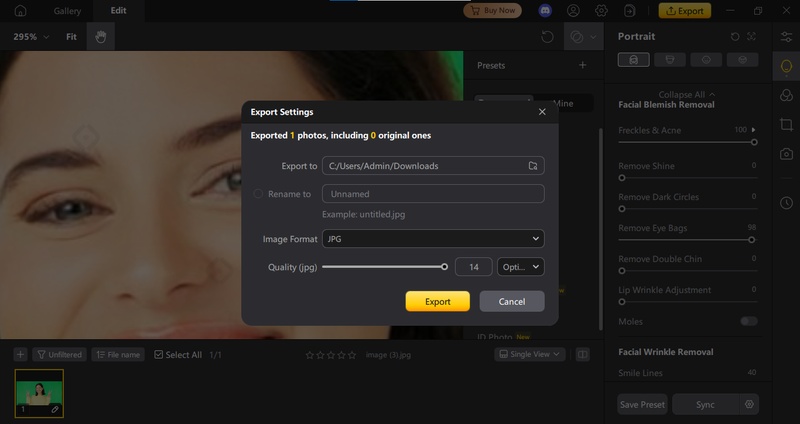
Step 4: Export the final image
Once you are happy with the result, click Export and save your edited photo in high quality.
Common Mistakes When Fixing Closed Eyes
-
1. Over-editing the eyes
Many users increase eye size or openness too much. This makes the face look unnatural or “cartoonish.” Small adjustments always look more realistic.
-
2. Ignoring face symmetry
A common mistake is editing one eye more than the other. Human faces are not perfectly symmetrical, but uneven eye edits are easy to notice and ruin realism.
-
3. Mismatched lighting and shadows
AI-generated eyes that don’t match the original lighting direction stand out immediately. This is one of the most reported issues in photo-editing forums.
-
4. Using low-quality source photos
Trying to fix closed eyes in blurry or low-resolution images often leads to fake-looking results. AI needs clear facial details to work properly.
-
5. Choosing the wrong eye shape
Some tools let users pick eye shapes that don’t match the person’s original features. This changes the identity of the person in the photo.
-
6. Relying only on mobile apps for detailed edits
Mobile apps are fast, but they often lack fine controls. For natural results, many users recommend web or desktop tools with facial reshaping options.
-
7. Exporting at low quality
Even a good edit can look bad if the final image is exported at low resolution or with heavy compression.
Pro tip:
The most realistic results come from light edits, correct lighting matching, and tools that allow manual eye control, not just one-click fixes.
Final Words
One blink shouldn’t ruin a perfect photo. Thanks to modern AI, you can now open eyes in photo online free and fix those moments in seconds. The trick is using a tool that edits eyes naturally, not artificially. While many apps offer quick fixes, tools with better control deliver more realistic results. If you want an easy, reliable option that keeps faces looking real, PixPretty stands out. It combines smart AI with simple controls, making eye edits clean, natural, and stress-free.


